What Is LiDAR?
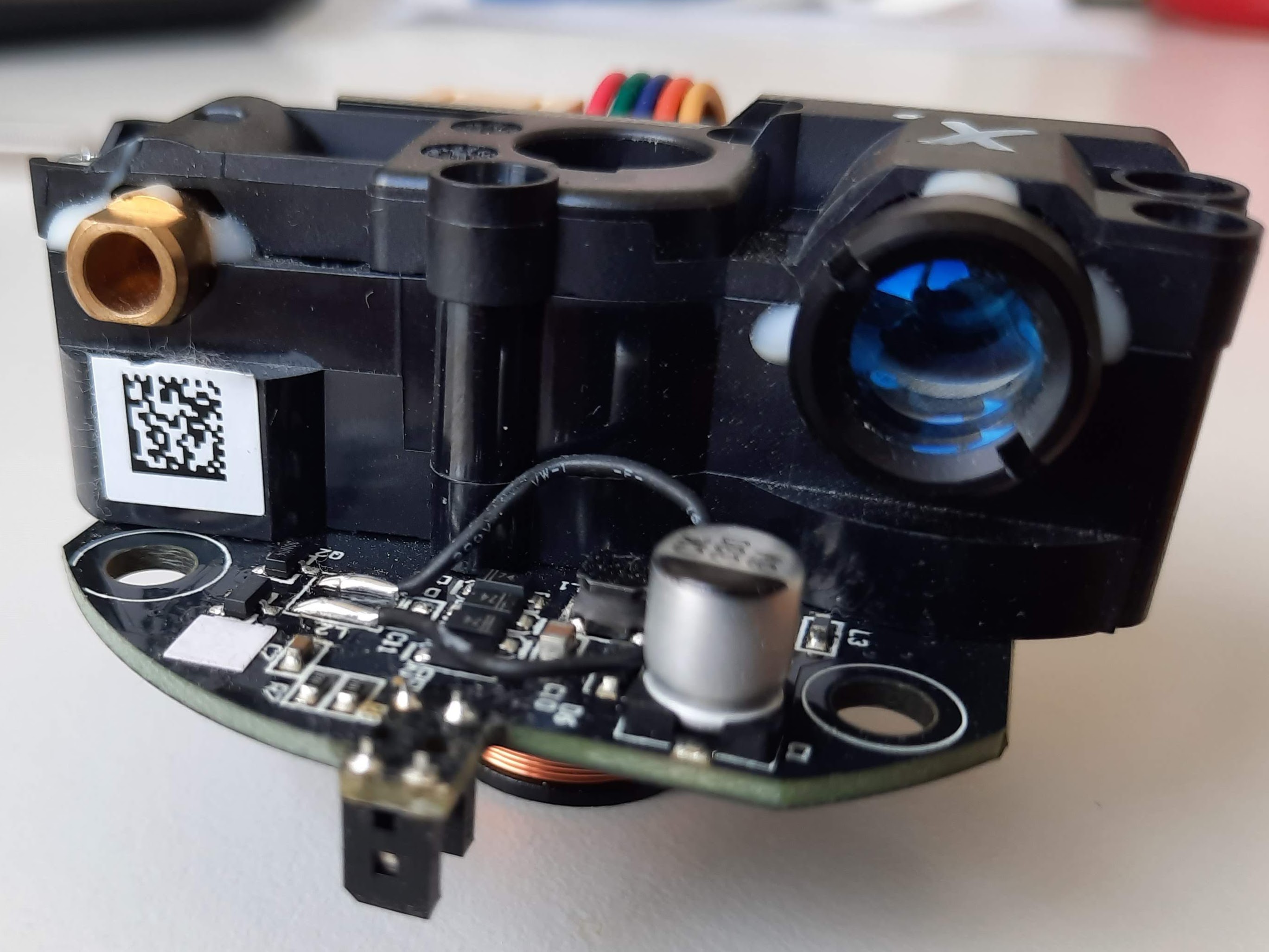
LiDAR stands for **Light Detection and Ranging**. It works by shooting out laser beams and measuring how long they take to bounce back. This tells the sensor exactly how far away objects are.
Think of it like echolocation (what bats use), but with light instead of sound. The result is a precise map of the robot's surroundings.
How LiDAR Works
Why LiDAR Is Important for Robotics
LiDAR is the gold standard for robot navigation because:
This is why self-driving cars, delivery robots, and warehouse robots all use LiDAR.
LiDAR vs Other Sensors
The RPLiDAR A1: Best Budget LiDAR
The RPLiDAR A1 by Slamtec is the most popular LiDAR sensor for hobbyist robotics:
What You Can Build with LiDAR
SLAM — Simultaneous Localization and Mapping
The most impressive application. Your robot builds a map of its environment while simultaneously tracking its own position on that map. This is how robot vacuums navigate your house.
Autonomous Navigation
Combine SLAM with path planning, and your robot can navigate from point A to point B while avoiding obstacles — just like a self-driving car.
Security System
Mount a LiDAR sensor in a room and detect any movement or changes. It can see in complete darkness and covers 360°.
3D Scanning
Mount a 2D LiDAR on a tilting platform to create 3D scans of rooms or objects.
Getting Started with LiDAR
What you need:
Basic setup:
Next steps:
Conclusion
LiDAR transforms a simple robot into a truly autonomous machine. While ultrasonic sensors let your robot avoid bumping into walls, LiDAR lets it understand and navigate entire environments.
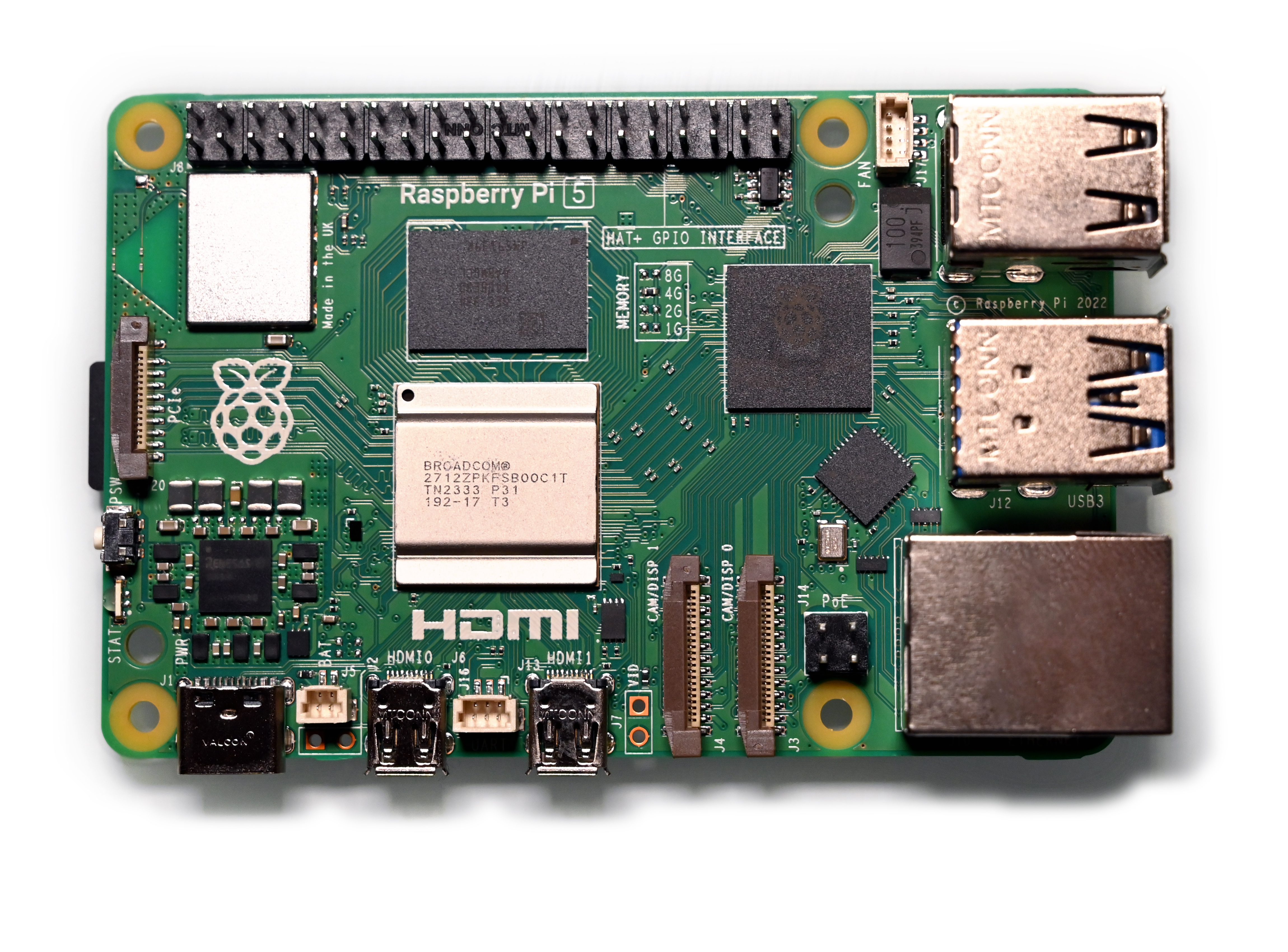
The RPLiDAR A1 makes this technology accessible to hobbyists. Combined with a Raspberry Pi and open-source SLAM software, you can build a robot that maps and navigates your home.