Learn how to run AI and machine learning models on your Raspberry Pi. From image recognition to voice control, discover what's possible.
Why Run AI on a Raspberry Pi?
Running AI on a Raspberry Pi lets you build smart devices that work without an internet connection. Your robot can recognize objects, your doorbell can detect faces, and your garden system can identify plants — all locally, all private.
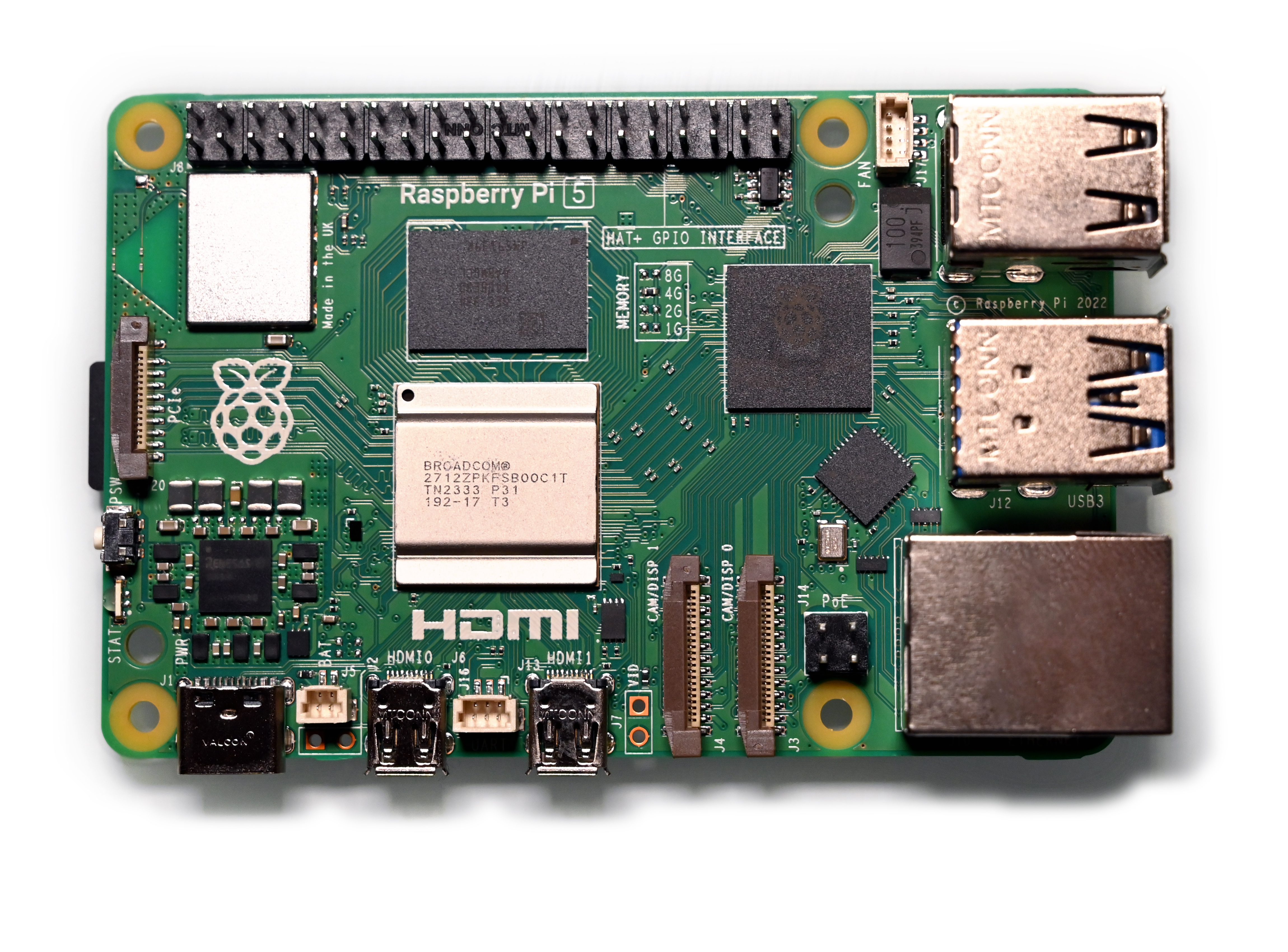
The Raspberry Pi 5 with 8GB RAM is powerful enough to run many AI models in real-time. Combined with the camera module, it becomes a capable AI vision system.
What You Can Build
Here are real projects you can build with AI on a Raspberry Pi:
•Object detection — identify and locate objects in camera view
•Face recognition — recognize specific people
•Gesture control — control your robot with hand gestures
•Voice assistant — build your own Alexa-like device
•Plant identifier — photograph a plant and identify the species
•License plate reader — for a smart parking system
•Anomaly detection — monitor equipment and detect unusual behavior
What You Need
Hardware
•Raspberry Pi 5 (8GB) — the more RAM, the better for AI
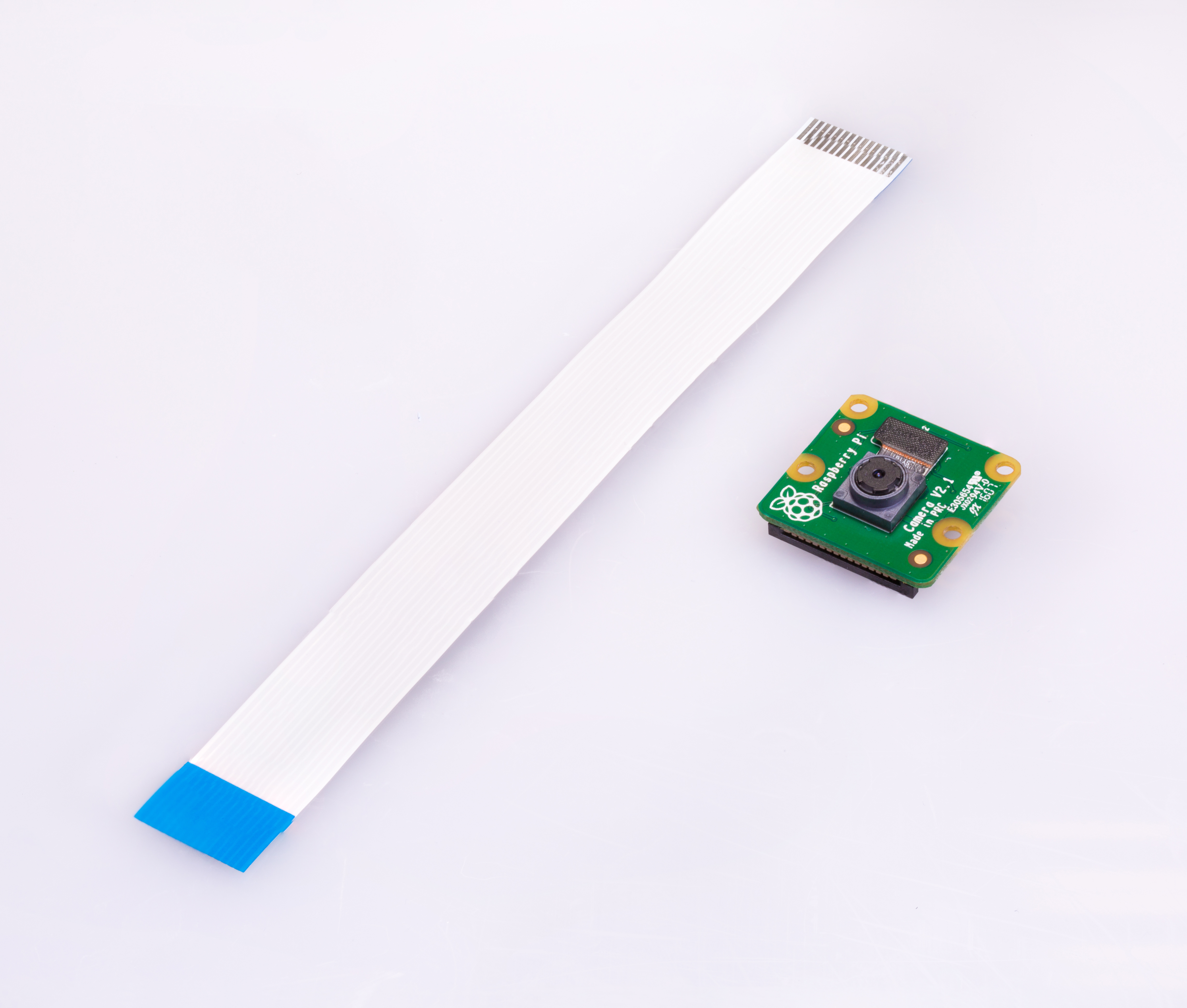
•Camera Module — the OV5647 or the newer Camera Module 3
•MicroSD card (64GB+) — fast card (Class 10 or better)
•Power supply — official Raspberry Pi 5 USB-C power supply
•Heat sink or fan — AI workloads generate heat
Software
•Raspberry Pi OS (64-bit) — the 64-bit version is essential for AI
•Python 3 — pre-installed on Raspberry Pi OS
•TensorFlow Lite — optimized AI framework for small devices
•OpenCV — computer vision library
Step 1: Set Up Your Raspberry Pi
1.Flash Raspberry Pi OS (64-bit) onto your SD card using Raspberry Pi Imager
2.Boot up and complete the setup wizard
3.Connect to WiFi
4.Open a terminal and update everything:
•sudo apt update && sudo apt upgrade
Step 2: Install AI Libraries
Install the essential libraries:
•pip install tflite-runtime
•pip install opencv-python
•pip install numpy
For the camera:
•sudo apt install libcamera-apps
Step 3: Your First AI Project — Object Detection
Object detection is the most impressive beginner AI project. Your Raspberry Pi will identify objects in real-time through the camera.
1.Download a pre-trained model (MobileNet SSD works great on Pi)
2.Write a Python script that captures camera frames
3.Feed each frame through the model
4.Draw bounding boxes around detected objects
5.Display the result
The MobileNet SSD model can detect 80 common objects including people, cars, dogs, cats, chairs, and more. On a Raspberry Pi 5, it runs at about 15-20 frames per second.
Step 4: Train Your Own Model
Once you're comfortable with pre-trained models, you can train your own:
1.**Collect images** — take 100+ photos of what you want to detect
2.**Label them** — use a free tool like LabelImg to draw boxes around objects
3.**Train** — use Google Colab (free) to train a TensorFlow Lite model
4.**Deploy** — copy the model to your Raspberry Pi and run it
This is how you build custom applications — a model that recognizes your specific products, pets, or any other objects.
Raspberry Pi vs NVIDIA Jetson Nano
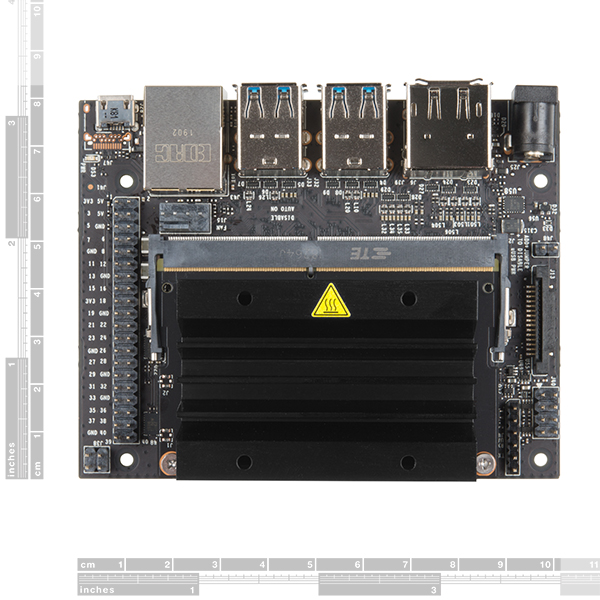
If you need more AI performance, consider the NVIDIA Jetson Nano:
**Our recommendation:** Start with Raspberry Pi 5. It's cheaper, has a bigger community, and is powerful enough for most projects. Upgrade to Jetson Nano when you need real-time performance for complex models.
Tips for Better AI Performance
1.**Use 64-bit OS** — AI libraries are significantly faster in 64-bit mode
2.**Use TensorFlow Lite** — not full TensorFlow. Lite is optimized for small devices
3.**Quantize your models** — convert from float32 to int8 for 2-4x speed boost
4.**Lower resolution** — 320x240 runs much faster than 1080p with minimal accuracy loss
5.**Add cooling** — AI workloads heat up the Pi, throttling reduces performance
Conclusion
AI on Raspberry Pi is accessible, affordable, and incredibly rewarding. With just a Pi and a camera module, you can build smart devices that see and understand the world.
Start with pre-trained models to see quick results, then gradually learn to train your own. The skills you develop transfer directly to professional AI and robotics work.